Managing Bulk Mails
Copying the Bulk Mail
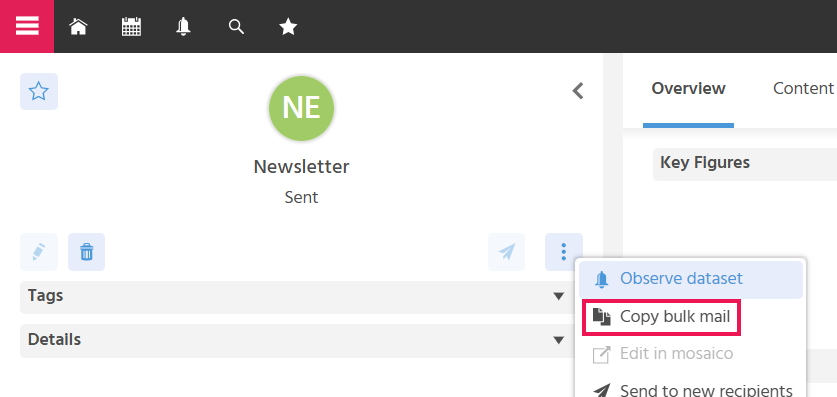
The Action "Copy Bulk Mail" is available to save time when creating bulk mails with similar content and possibly the same recipients.
The following data is transferred:
- All data from the "Content" tab: Subject, Content, Attachments. If the content consists of a Mosaico Content, the Mosaico Content is copied and linked.
- Recipients and Test Recipients: When copying a bulk mail, the "Copy Recipients" button is displayed in the EditView. When the button is activated, recipients and test recipients are transferred into the new bulk mail.
- Sender address
- Place of use
- Interest
- Language
- Setting for "Create Activities"
- Description
Marketing Manager Bulk mail