Functions of the Document Editor
The general functions for editing documents are familiar from comparable office applications. With the Document Editor, text documents can be created and edited easily and conveniently directly in the browser.
However, there are some special features in the functions of the Document Editor.
Create Read-Only Areas
To ensure that certain areas in the document can no longer be edited by the user later, these areas can be locked for editing.
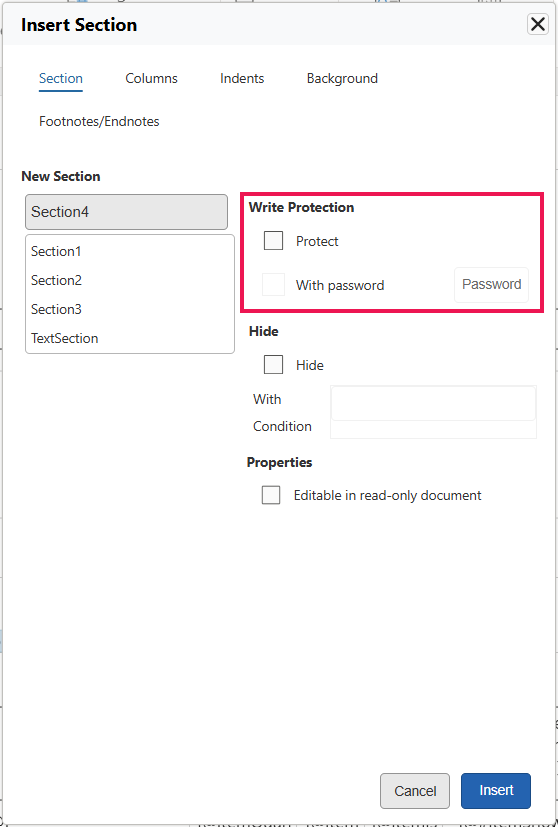
To lock a specific area, it is selected in the document, and the "Section" Action is executed in the "Insert" tab via the "Section" menu entry.
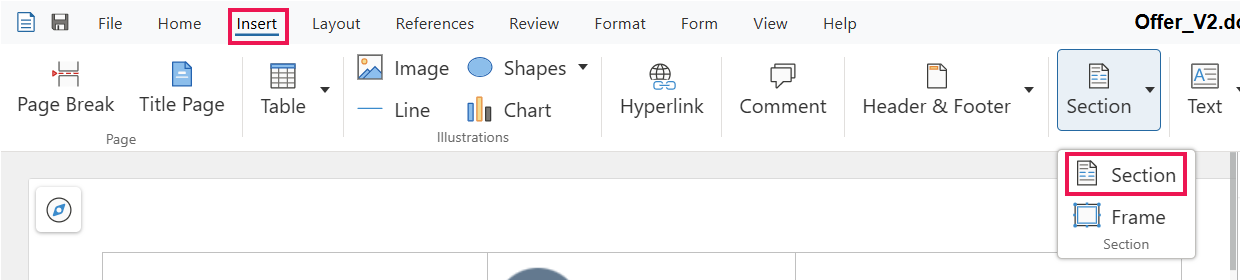
The write protection can now be set with a password, if required.
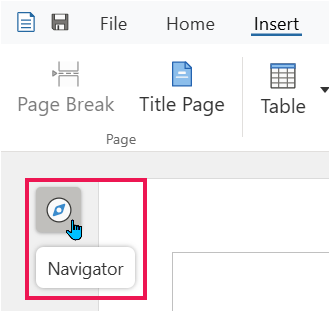
The respective areas can be accessed via the Navigator.
Collaborative Editing by Multiple Users
A document can be worked on alone or together as a team.
-
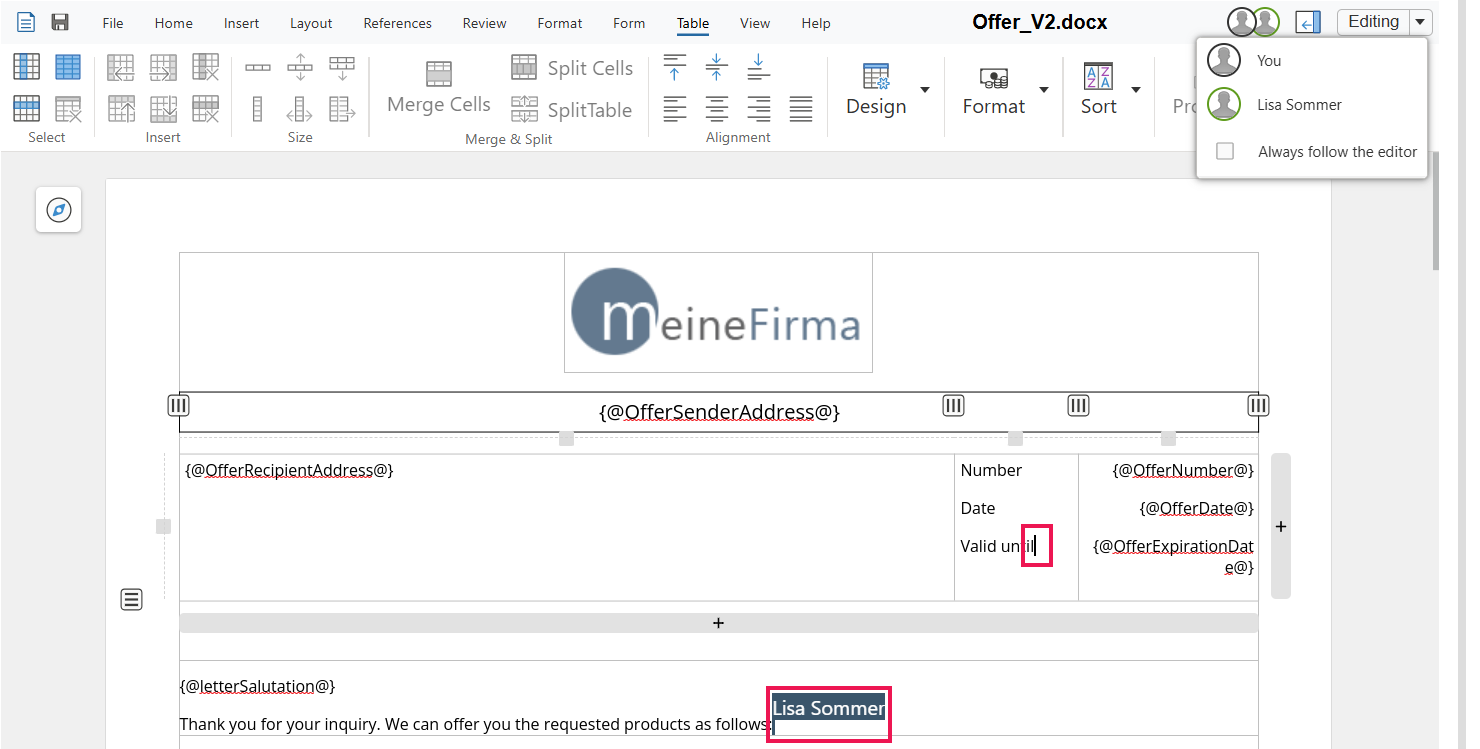
Each user is assigned a color. The cursor of each user is displayed in the assigned color. Note: The user's own cursor is displayed as a black, blinking cursor, while other users see it in a different color.
-
Clicking on a user's name makes the view jump to their cursor. It is also possible to follow the person editing.

-
The Document Editor displays a small notification when a new user joins or a user leaves the document.

The Document Editor is displayed in the language of the logged-in user.
"Carlito" is preselected as the default font.