Using the Global Menu
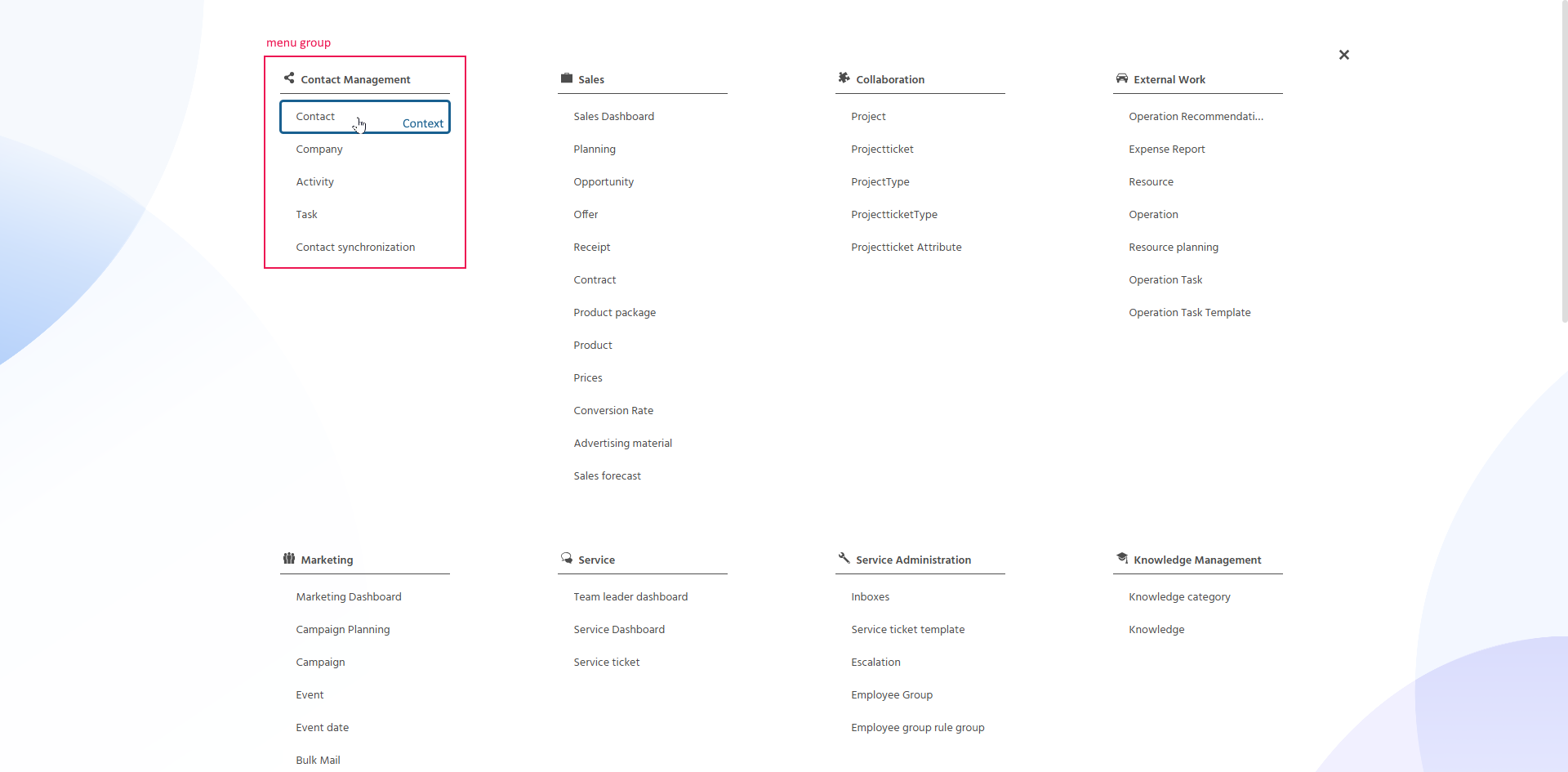
The Global Menu is the main navigation in the system, used to open the respective Contexts.
Opening and Closing the Global Menu
It is opened via the Global Menu button in the middle of the Global Bar. The Global Menu button always shows the name of the currently open Context (e.g., "Home", "Contact").

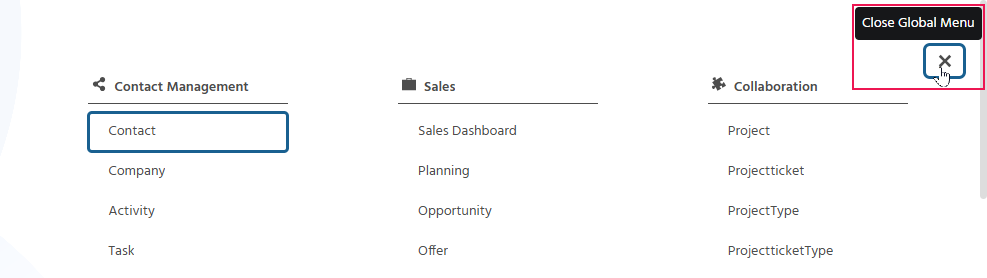
If a Context is opened from the Global Menu, e.g., in a new tab, the menu does not close automatically. In this case, it can be closed via the 'x'.
Understanding the Structure of the Global Menu
In order to navigate through the Global Menu in a structured way, the individual Contexts are grouped into business-related menu groups.
Each menu group (e.g., "Contact Management", "Sales", "Collaboration", "External Work", "Marketing", "Service", "Service Administration", "Knowledge Management", "Manager", "Administration", "User Administration") is displayed with an icon and lists the associated Contexts underneath (e.g., "Contact Management" contains the Contexts Contact, Company, Activity, Task, Contact Synchronization).
Only the menu groups and Contexts for which permission exists are displayed.