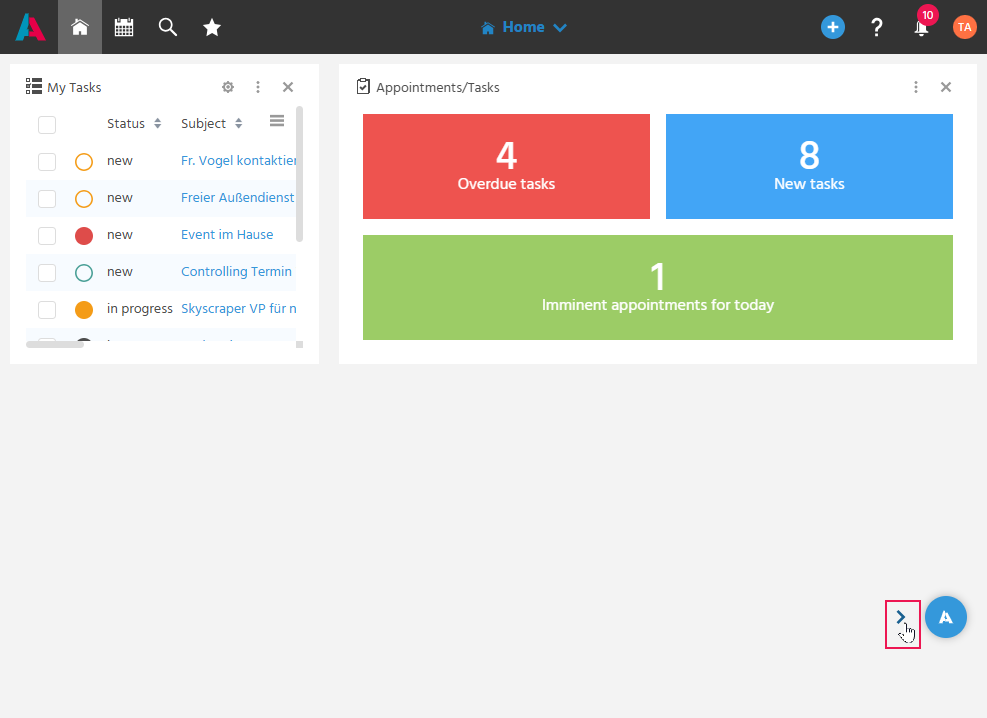
Accessing the Home Page (My Dashboard)
Using My Dashboard as the Home Page
After logging in, the personalized Dashboard "My Dashboard" is displayed directly, so that an overview of the relevant information and tasks is immediately available.
My Dashboard can be flexibly customized and is accessible at any time via the home button in the Global Bar. The individually customizable components of a Dashboard are called Dashlets.
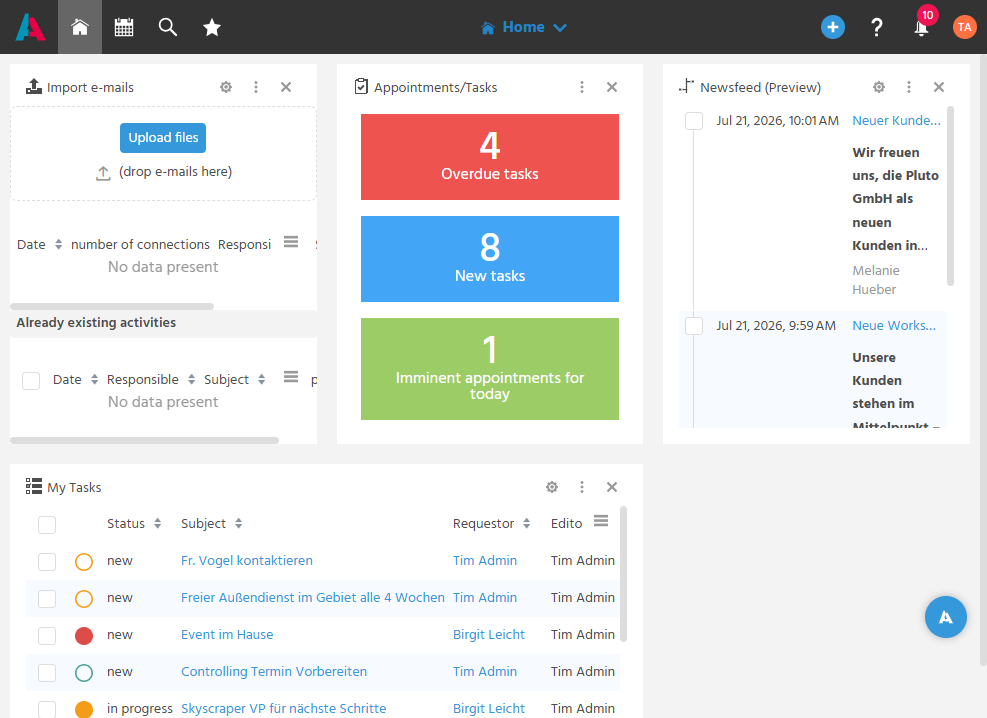
📖→ Further Information on the topic of Dashboards and Dashlets
Sharing the Current View via Link
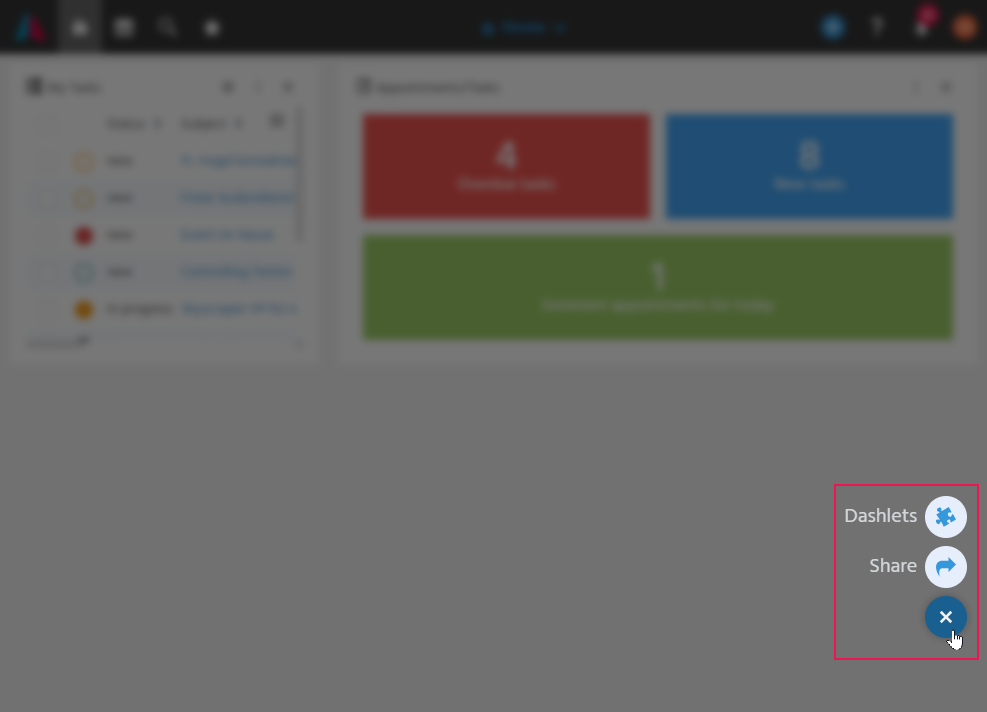
Via the Floating Action Button, depending on the currently open view, the share button can be accessed to generate a link to the current view and share it with a colleague, so that they can directly access the same view.
On Dashboards, the Floating Action Button additionally opens the DashletStore button for access to the DashletStore.
Hiding the Floating Action Button
The Floating Action Button can be temporarily hidden via the arrow, so that it does not interfere with the work surface. In the settings in the User Menu, it can additionally be defined whether the Floating Action Button is generally shown or hidden (logging in again afterward is required for the change to take effect).