Performing a Log-in
Logging In using Username and Password
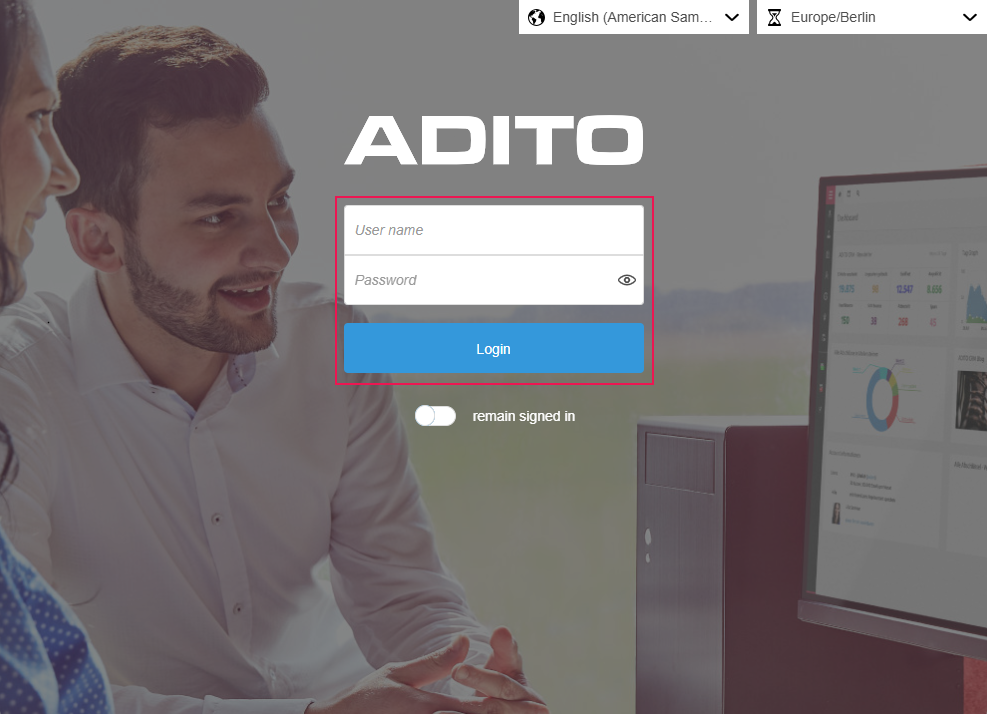
Logging in to the system is done via the "Username" and "Password" fields (with an eye icon for showing/hiding the password input) and the "Login" button, in order to gain access to the system.
Alternatively, login can be done via OAuth2 if the system is configured accordingly.
Further Information
📖 → Further Information on logging in via OAuth2 can be found at Authentication Methods.
Staying Logged In
It can be controlled that the system remembers the login, so that logging in does not have to be performed again every time the system is accessed. For this, the "remain signed in" switch is available on the login screen below the "Login" button.
A token is saved on the employee record, which is deleted again as soon as the user logs out of the client.
Project Manager Sales Executive Marketing Manager Service Agent Authentication