System Settings
Selecting the Client Language
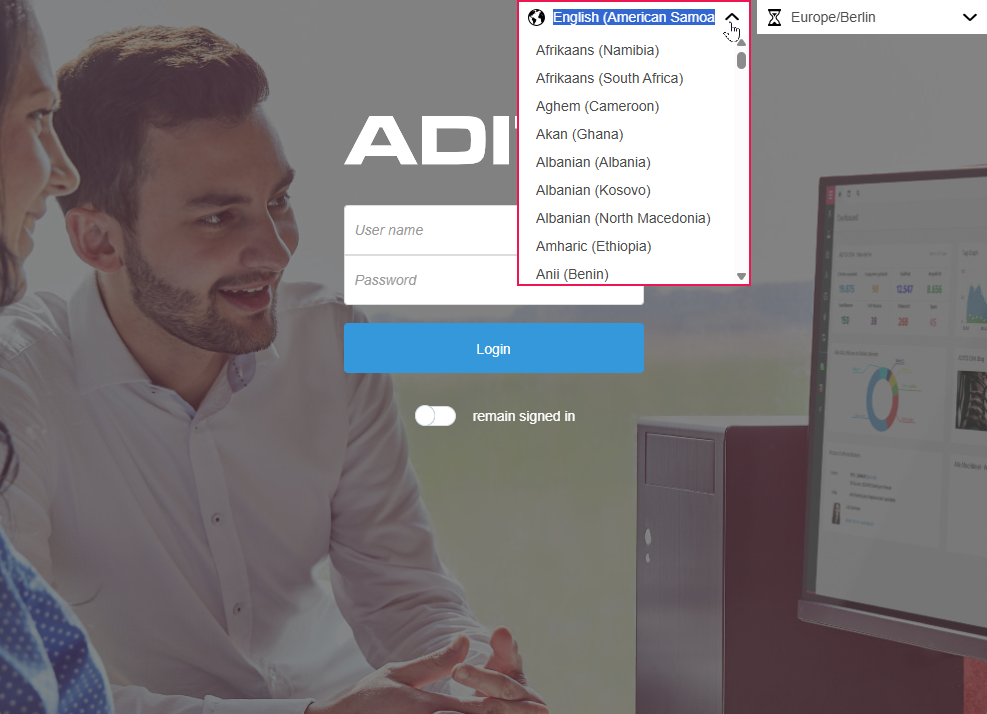
The language of the client can be selected before logging in to the system, so that the system can be used in the preferred language.
The language selection is located in the top right of the login screen (e.g., "German (Germany)").
Setting the Timezone
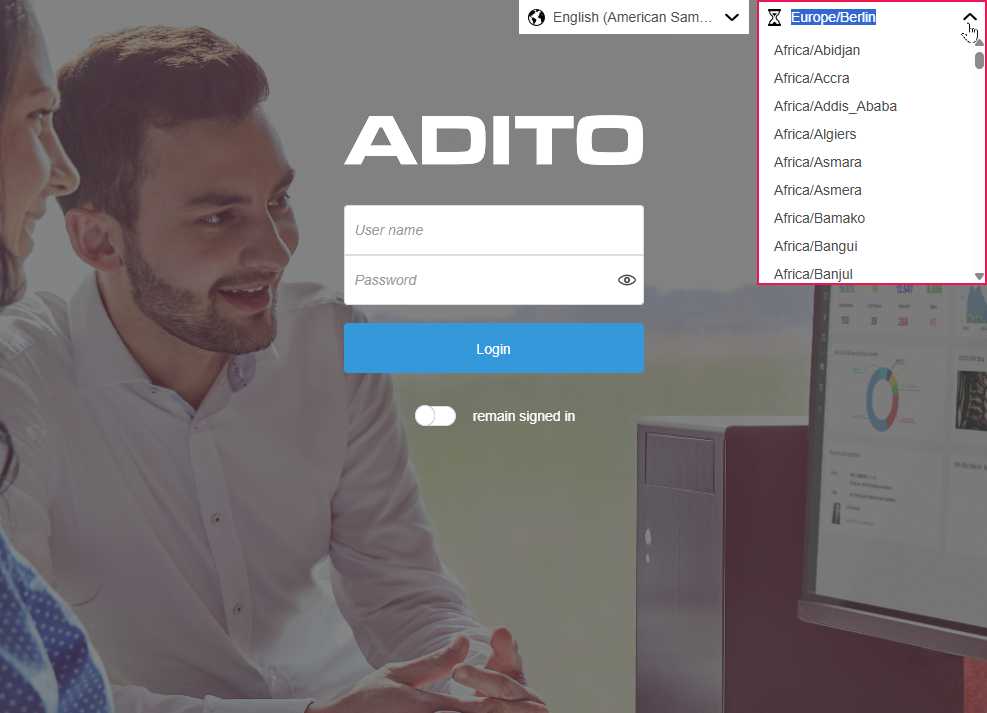
The timezone can be selected directly at login, so that all displayed dates and times are correctly aligned with the local time.
The timezone selection is located next to the language selection in the top right of the login screen (e.g., "Europe/Berlin").