Supporting Data Entry
Quick Entry, web forms, or the snapAddy VisitReport efficiently support the capture of contacts and/or companies.
-
Within Quick Entry, in addition to manual input, there is the option to upload business cards, E-Mails, or vCards to make the capture less error-prone and automated. The relevant contact information is automatically read out and transferred to the fields.
-
Via web forms, contacts submit their data in online registrations for further assessment and qualification.
-
The "snapAddy VisitReport" supports the capture of trade show leads.
Quick Entry
In Quick Entry, records linked to a company can be created in one step.
Opening Quick Entry
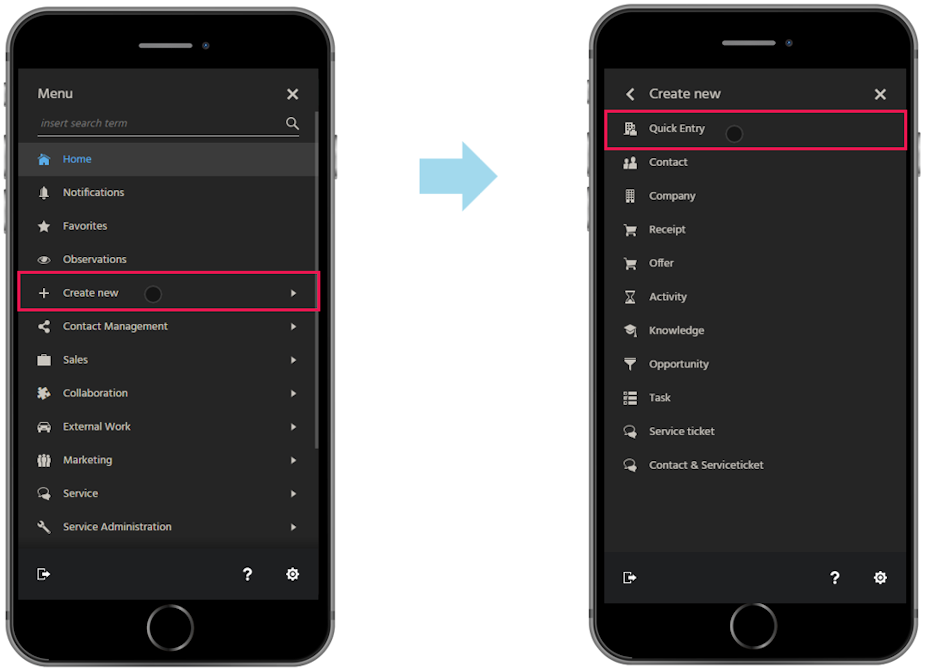
Quick Entry can always be opened via Quick Entry in the Global Bar.

Capturing data in Quick Entry
Data is entered manually or via the import of business cards, E-Mails, or vCards.
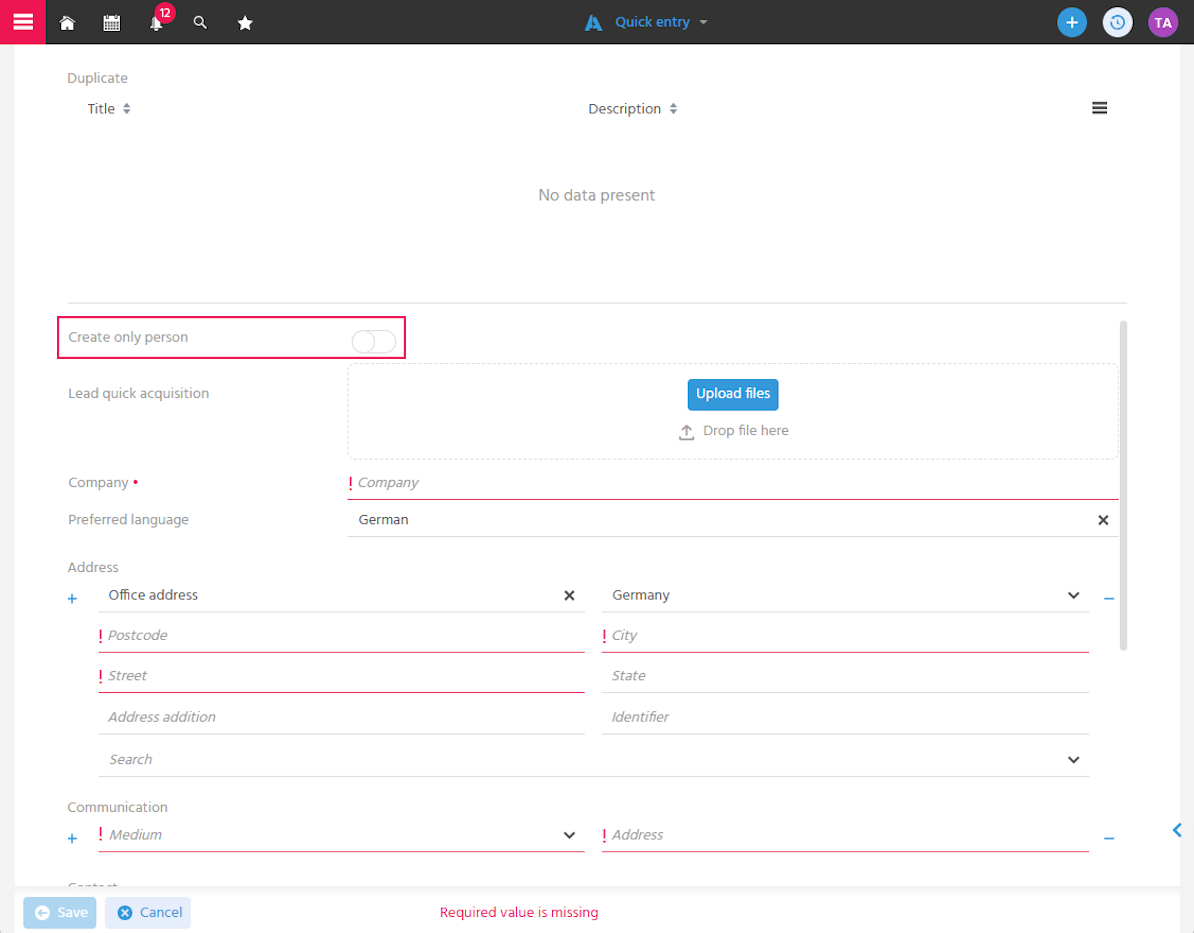
If the imported company is already recorded in the system and recognized as a duplicate, activate the toggle button "Create person only", so that the contact is assigned to the existing company.
If a private individual is being recorded, also activate the toggle button "Create person only". Then the value "Private" must be selected in the "Company" field. ℹ️ The private individual's address can only be captured directly on the contact record after saving.
Business Card Scan
To capture a business card on the go, Quick Entry features a business card scan function. The photo taken with a smartphone is uploaded directly.
An API key from the technology partner snapAddy is required to use the "Email Signature Recognition" feature.
Procedure
-
Open Quick Entry
-
The business card is uploaded as an image in the "Lead Quick Entry" field.
- In the mobile View, ADITO accesses the camera and uploads the image directly.
- In the desktop View, the image can be selected or inserted via drag & drop.
noteAccepted image formats: JPG, PNG
-
Fields of Quick Entry for company and contact are read out and transferred
warningAll information shown on the business card for which there is no field in ADITO will be discarded.
-
Check data - verify that hyphens, line breaks, etc. are displayed correctly.
Email Signature Recognition
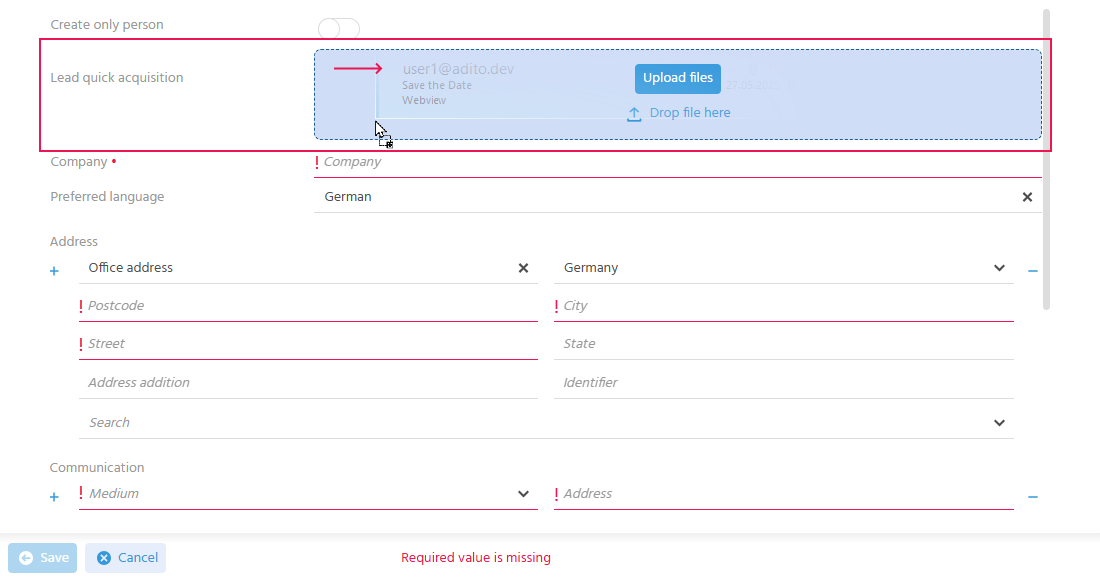
To read data from an E-Mail signature for creating a new contact in the office, Quick Entry features an email signature recognition function. The E-Mail is uploaded via drag & drop in Quick Entry.
An API key from the technology partner snapAddy is required to use the "Email Signature Recognition" feature.
Procedure
-
Open Quick Entry
-
Upload E-Mail in the "Lead Quick Entry" field
 note
noteIf the E-Mail contains multiple signatures from a longer correspondence, the signature from the most recently sent E-Mail is used.
-
Fields of Quick Entry for company and contact are read out and transferred
warningAll information shown in the signature for which there is no field in ADITO will be discarded.
-
Check data
vCard Import
To create contacts more quickly, vCards can be imported via Quick Entry.
🛠️ → VCF 3.0 is supported.
Procedure
- Open Quick Entry
- Upload vCard in the "Lead Quick Entry" field
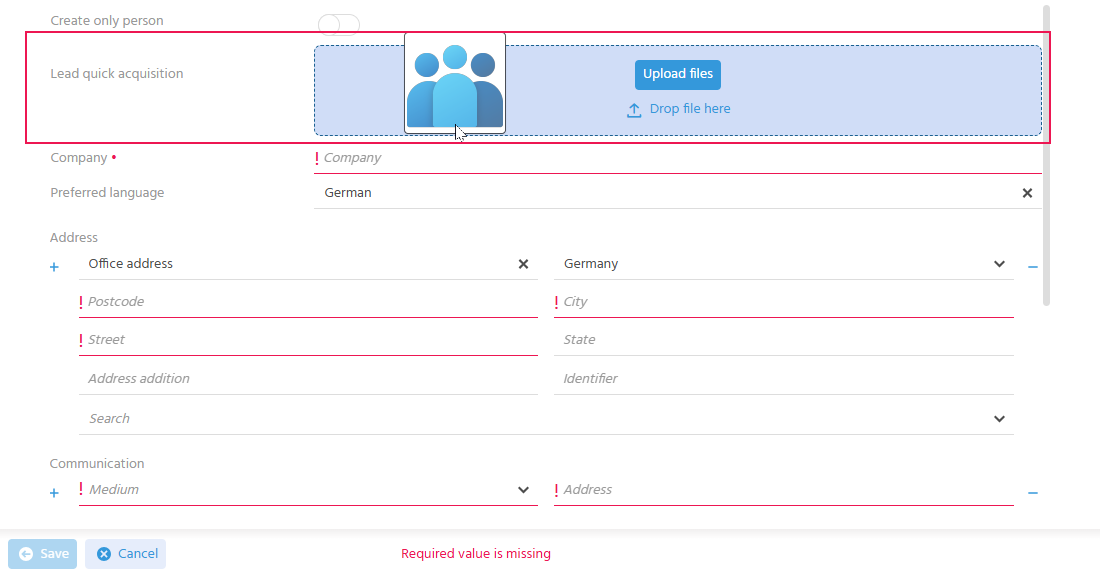
- Fields of Quick Entry for company and contact are read out and transferred
- Check data
Web Form
Via web forms, contacts submit their data in online registrations.
📖 → see Capturing and Developing Leads
Trade Show Lead Capture
When trade show leads are to be captured, either the ADITO questionnaire functions in combination with the business card scan or the "snapAddy VisitReport" app can be used.
📖 → see Capturing and Developing Leads