Creating a Company
A company is created in the system to capture the master data of a corporation, business, or organization, etc.
Sales Executives capture the master data of a company in the EditView:
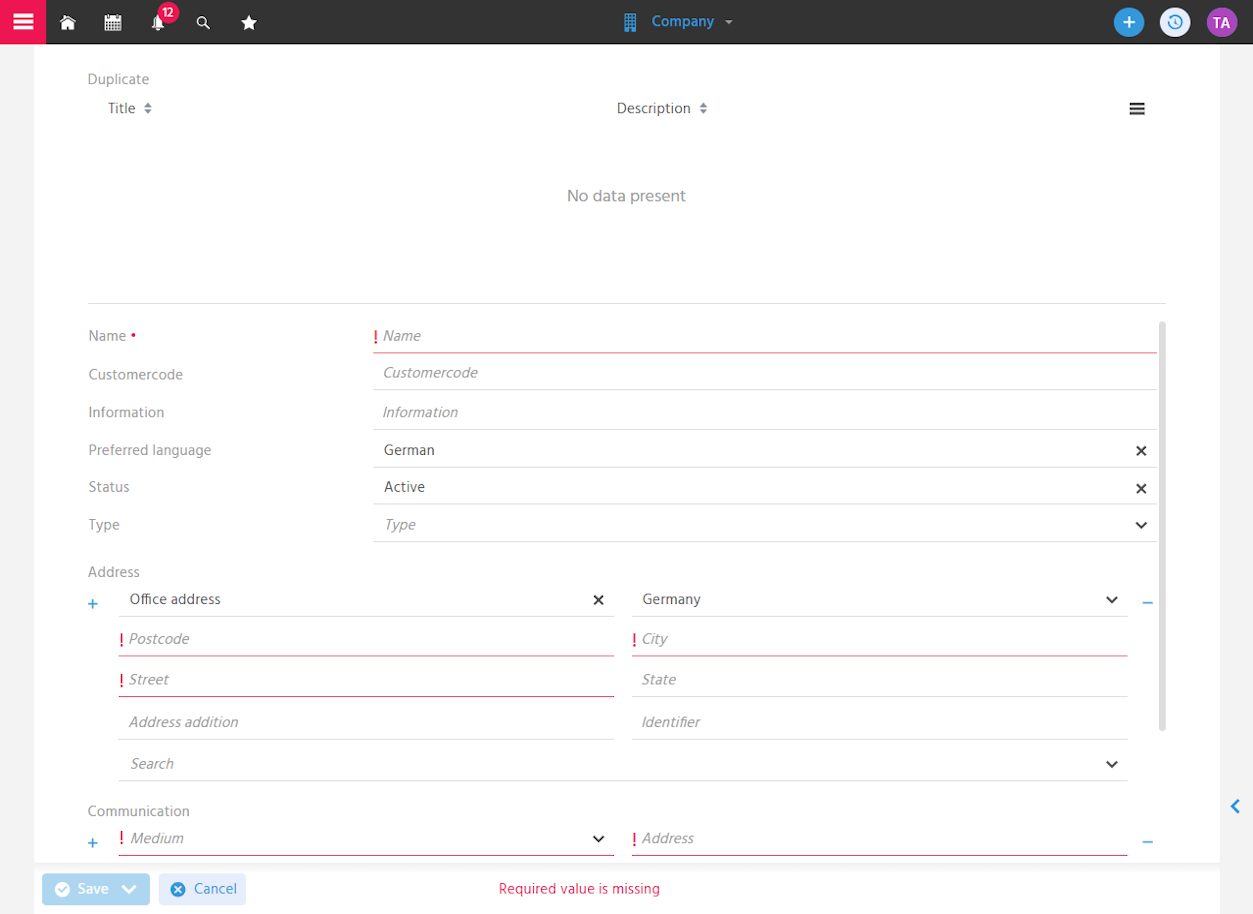
The EditView can be opened via the following entry points:
- FilterView of the Company
- Quick Entry in the Global Bar
- Quick Entry in Quick Entry
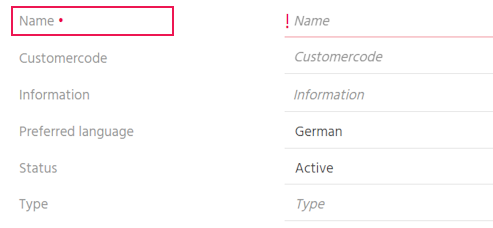
Capturing the Company Name
The name of a company is captured in the CRM to identify companies clearly.
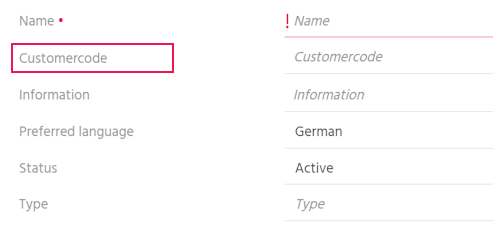
Capturing the Customer Number
The customer number is captured so that companies can be clearly assigned and consistently managed across multiple systems (e.g., ERP).
Capturing the Preferred Language
The preferred language is captured so that communication takes place in the language appropriate and desired for the company.
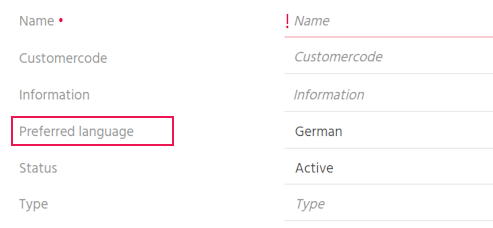
You are informed that the company language is used across all locations of the company in written and verbal communication, and not the respective national language.
➡️ This means that letters or E-Mails are created in the language specified here.
Documenting Status
The status of a company is documented to ensure that the company is approved for further business relationships/communication. A company can go through the following status values:
-
🟢 The status "active" is the status that approves collaboration with the company.
The "active" status is set by default when a company is newly created. -
🔴 The status "inactive" is set as soon as interaction with a company is no longer permitted.
This deactivates the communication functions, etc., making it no longer possible to interact with the company. -
🟡 The status "pending review" is used when the company must undergo a review before it may be actively used in the system.
Capturing the Type
The Type of a company is captured to classify business relationships with companies and to assign them to the respective processes. This allows filtering by Type and processing all records in the filter result.
The following Types are available in xRM: Customer, Prospect, Supplier, Manufacturer, Partner, Competitor, Other
All customers are to be informed about changes to the terms and conditions by E-Mail.
Procedure:
- Filter by "Type equals Customer" in the Company FilterView
- Add the result to a Bulk Mail using a serial action.
Capturing Addresses
You can capture various addresses for a company to ensure correct postal assignment and reliable contact. At the company, addresses such as company address, billing address, and delivery address are captured.
The first address captured is saved as the default address and can be adjusted afterwards.
The address marked as the default cannot be deleted.
Address capture in general, address validation, input support via search, and the behavior of the default address work the same way as for contacts.
📖 → Capturing Address Data
📖 → Address Validation
📖 → Capturing Using the "Search" Function
📖 → Default Address
You can also find instructions for adjusting the default address here:
📖 → Changing the Default Address
Capturing Communication Data
You can capture any number of communication data entries for a company to ensure reliable and up-to-date reachability and to use various communication channels.
📖 → see Capturing Communication Data in the Contact
Adding Attributes
If you want to capture additional information, the so-called "Attributes" are suitable for this. This allows a company to be described in as much detail as possible, and you can use this information for follow-up Activities.
Just as when creating contacts, you can capture Attributes when creating new companies.
📖 → see Adding Attributes in the Contact
Attributes for
- Companies in general:
- Assessment: Industry, creditworthiness, risk, number of employees
- Contact persons (who are not covered by the territory definition)
- Competitors: pricing policy, strength, weakness
- Customers:
- Payment terms: price list, payment terms, bank name, BIC, IBAN, VAT ID, delivery terms
➡️ Information required, e.g., for creating an Offer, is maintained here once and then transferred automatically. - Delivery block
➡️ Filter on this and create a Dashlet, and you have an overview of all companies that are currently not allowed to be supplied.
- Payment terms: price list, payment terms, bank name, BIC, IBAN, VAT ID, delivery terms
Avoiding the Creation of Duplicates
During the capture of a company, you automatically receive a list of all possible duplicates to avoid redundant records and ensure that existing companies are correctly continued rather than created twice.
Just as when creating contacts, you are notified of possible duplicates when creating new companies.
📖 → see Avoiding the Creation of Duplicates on Contact in the Contact
🏷️ → For information on resolving duplicates, administering duplicate scan patterns, etc., see the tag "Duplicates"