Managing Account & Security
Changing the Password
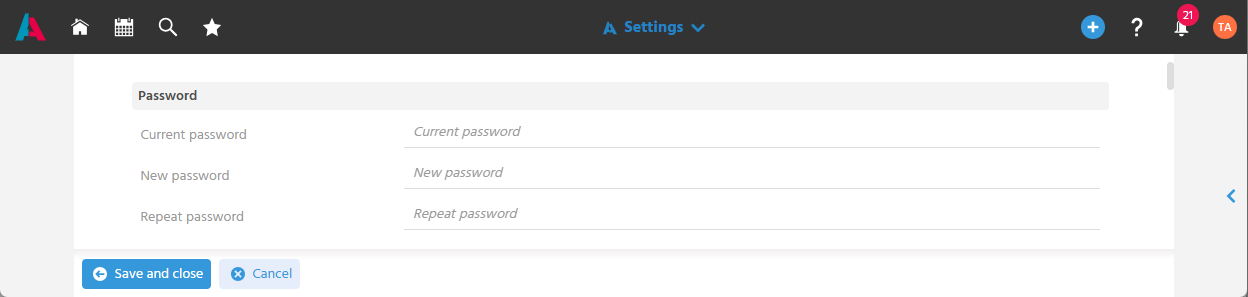
The password can be changed in the settings in the User Menu, so that the security of the account can be managed independently.
note
This allows the user to change their initial password, which was created by the System Manager.
If the user forgets their password, they can also have it reset by the System Manager and assign a new individual password here.
📖→ Further Information on Managing Users