Adjusting Regional Settings
Changing the Locale and Timezone
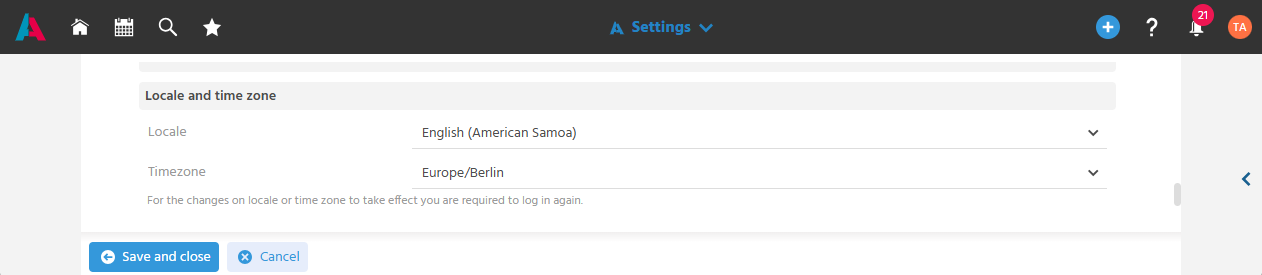
The locale and timezone can be set in the settings in the User Menu, so that date, time, and number formats are displayed correctly for the respective country and region.
Important
After the change, logging in to the client again is required for it to be applied to the system.
note
Alternatively, the locale and timezone can already be adjusted in the System Settings before logging in to the client.
Adjusting the Currency
The display currency can be set in the settings in the User Menu, so that amounts are shown in the preferred currency.
Further Information
📖→ For when and how this setting takes effect, see "Capturing Receipts in Foreign Currency"