Using Quick Entry
Creating a Record via Quick Entry
Quick Entry can be used to create a new record with the most important required fields, so that new information can be entered into the system quickly and without interrupting the workflow.
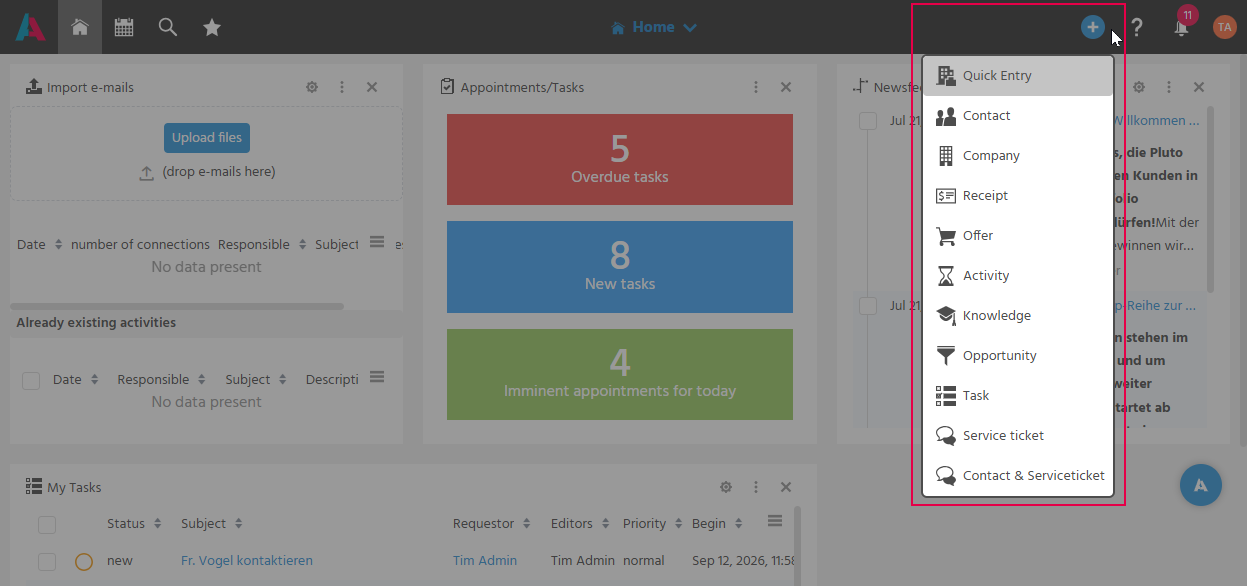
Quick Entry is accessible via the plus button in the Global Bar and offers, among other things, the creation of the following records: Quick Entry, Contact, Company, Receipt, Offer, Activity, Knowledge, Opportunity, Task, Service Ticket, and Contact & Service Ticket.