Submitting the Settlement
Once all trips and receipts have been completely recorded, the Sales Executive can submit the settlement.
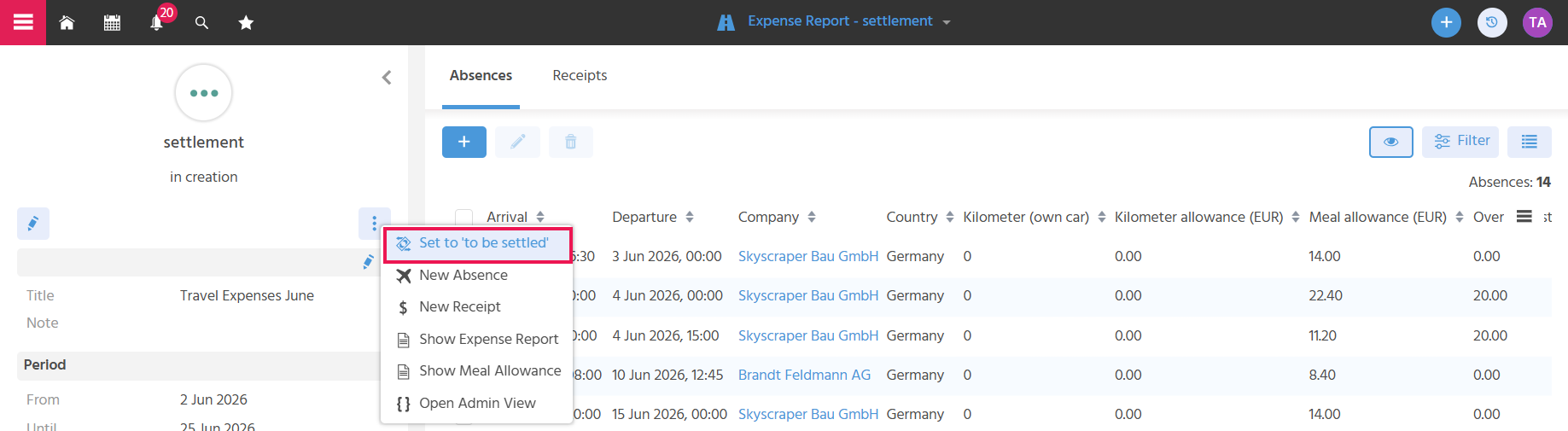
Setting the Status to "To Be Settled"
The action "Set to To Be Settled" changes the status of the settlement to "To Be Settled". The person responsible for the settlement can create a filter that displays all records with this status, enabling clear processing.
Important
- The status "Set to To Be Settled" is only active if at least one trip record or one receipt has been recorded.
- Only the creator of the settlement sees the action for the status change.
Note
In the "To Be Settled" status, trip data can no longer be recorded. Receipts, however, can still be added.