Creating a Settlement
Sales Executives can create their travel expense settlements in the system.
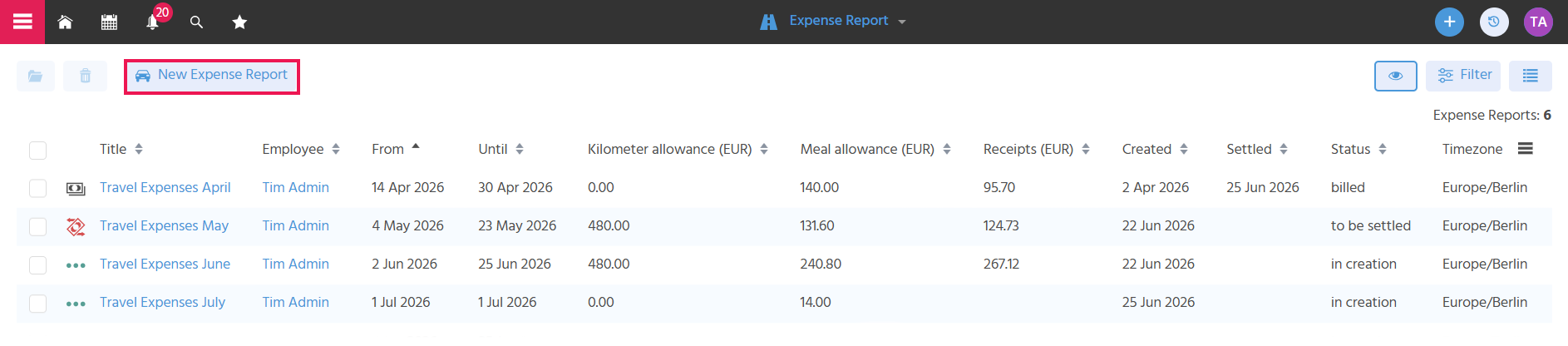
Creating and Naming a Settlement
In the Expense Report Context, a new settlement can be created via the "New Expense Report" button. The main view of the settlement opens immediately. There, in the preview, a descriptive name for the settlement can be assigned in the Title field, so that settlements can later be found and distinguished quickly.
Define within your company whether a separate settlement should be created for each trip, or whether multiple trips should be combined in one settlement. Titles could accordingly be, for example, "Business Trip Munich March 2026" or "Travel Expenses March 2026".
A Note can also be added to record important information for yourself or for the person processing the travel expense settlement.
A note to yourself could be, for example, "Still need to add fuel receipt", so that you are reminded of the missing receipt at the latest when checking the settlement before submitting it.
A note to the processing person could, for example, contain information about the reasons for the trip, so that these are visible at a glance, for example "Kick-off Workshop Project Skyscraper".