Conducting a Visit
The Sales Executive can open their tour in Google Maps from the Context "Visit", make adjustments there if necessary and use Google Maps functions such as the history.
Opening a Tour in Google Maps
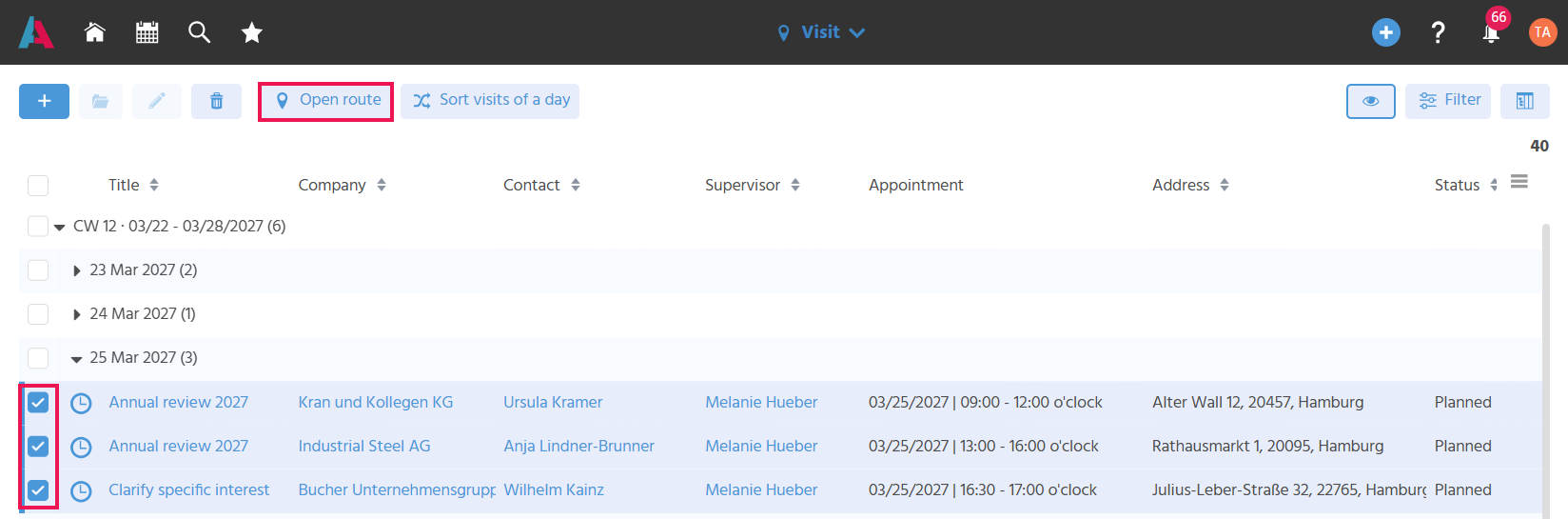
A tour can be opened in Google Maps directly from the visit FilterView, so that there is no need to enter the destinations into a separate navigation app. As soon as at least one visit is selected, the Action "Open Route" becomes active. Executing the Action opens an overlay in which the address stored for the logged-in user can be selected as the start and end address and confirmed with the Action "Open Route". Google Maps then opens and displays a route with the selected start/end address and the selected visits as stops.
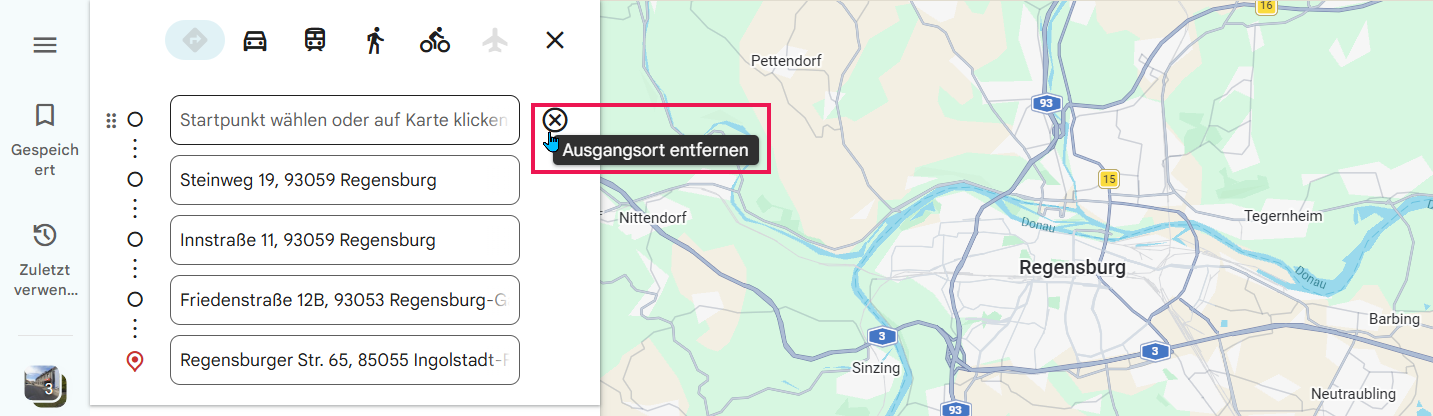
The overlay for selecting the start/end address always opens, even if you want to drive from one stop to the next. However, no address has to be selected there. Google Maps then opens the route without a start address, and the empty field can simply be removed.
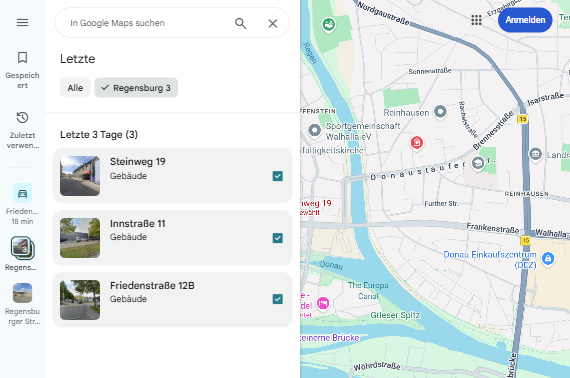
Once the route has been opened, the individual destinations can be found again via the history in Google Maps.